
Guide
Choosing a photo for a custom needlepoint canvas
Choose a custom-canvas image by checking subject size, contrast, crop, and the number of stitch positions available at 13 or 18 mesh.
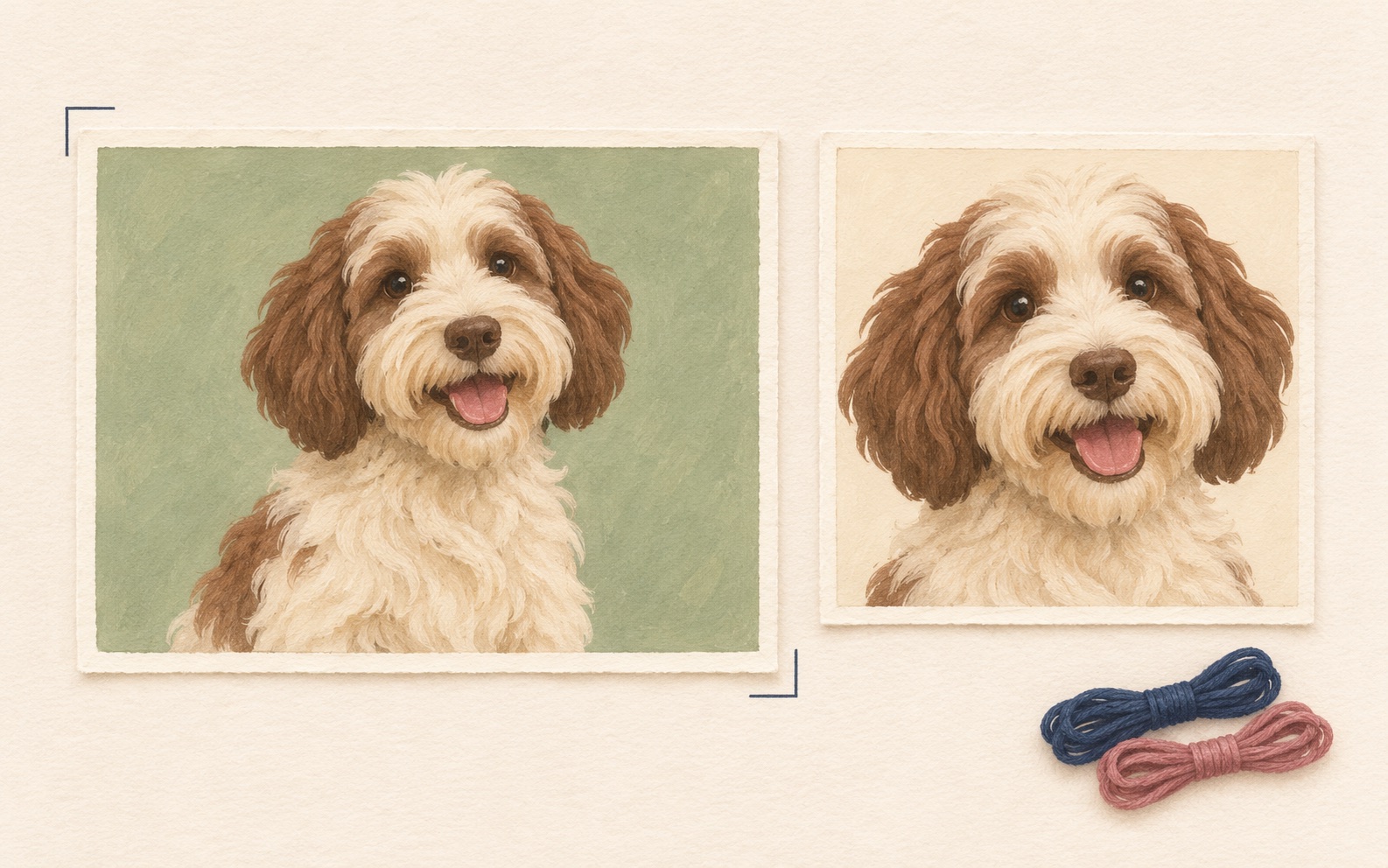
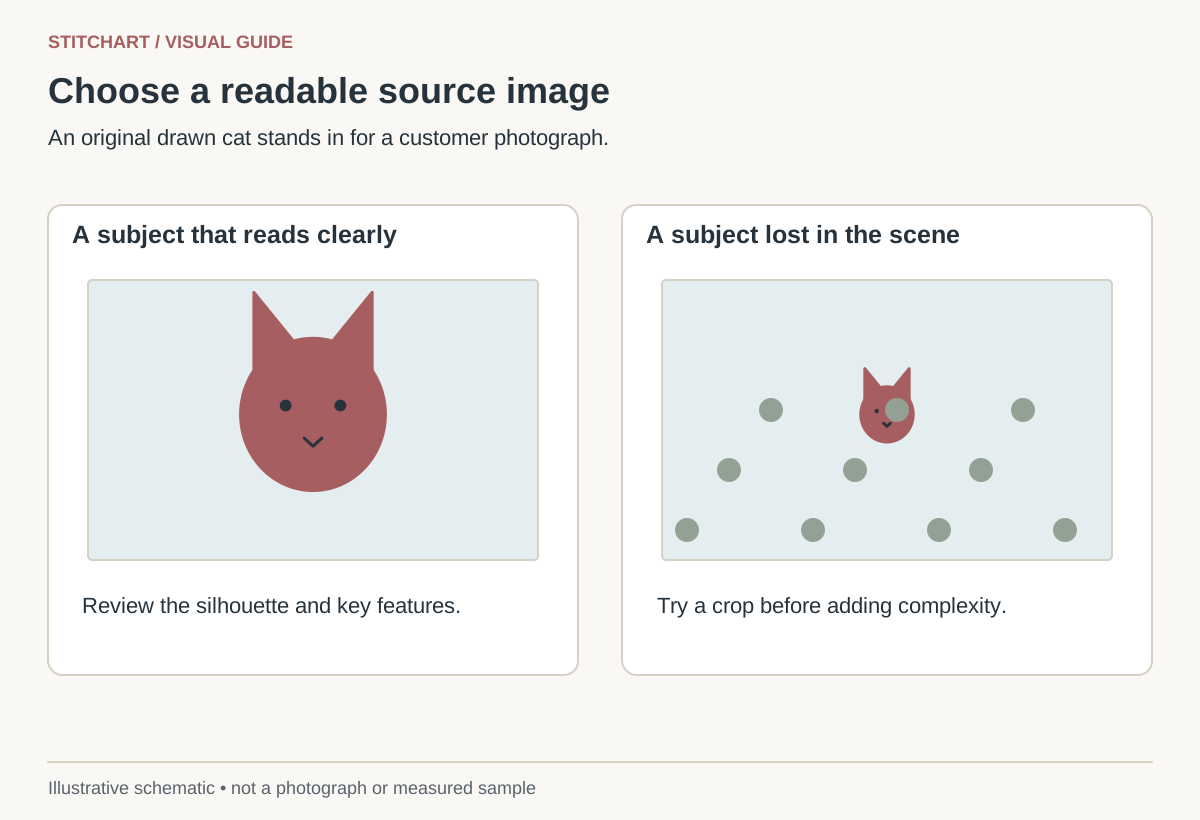
Choose a photograph in which the important subject is clear, in focus, and large enough to receive a useful share of the canvas grid. A huge image file does not help if the face occupies only a tiny corner or its main features are blurred together.
Screen the image before converting it
| Check | Useful sign | Reason to try another image |
|---|---|---|
| Focus | Eyes and important edges are distinguishable | Motion blur or focus behind the subject |
| Lighting | Features remain visible in both light and shadow | A bright highlight or deep shadow erases a feature |
| Background | Subject separates from nearby shapes | Branches, patterns, or objects merge with the outline |
| Crop potential | You can enlarge the subject without losing its shape | The only available crop cuts off essential features |
| Permission | You own the image or have permission to reproduce it | Ownership or intended use is uncertain |
The general preference for a simpler image and a face-focused crop also appears in NeedlePaint’s image-preparation guidance. The actual output still depends on your chosen size, grid, and conversion decisions.
Calculate how much grid the subject gets
A 6-inch-square design has a nominal 78 × 78 grid on 13 mesh or 108 × 108 on 18 mesh. If the face occupies 20% of the image width, it receives only about 16 or 22 positions across. Crop so the face occupies 50%, and that becomes about 39 or 54. The crop has increased the subject’s grid allocation by 2.5 times without changing mesh.
| Subject width within image | 6-inch 13 mesh | 6-inch 18 mesh |
|---|---|---|
| 20% | About 16 positions | About 22 positions |
| 50% | 39 positions | 54 positions |
| 75% | About 59 positions | 81 positions |
These are allocation calculations, not likeness predictions. The converter must still decide which color and boundary belongs at each position. A narrow eye highlight that is smaller than a grid position may merge with its neighbor; more source pixels do not create extra physical stitch positions.
Make one useful crop comparison
Take an original image that is 1,000 pixels wide with a 200-pixel-wide face. In the full image, the face occupies 20%. A 400-pixel-wide crop around the same face makes it 50%. Keep the aspect ratio matched to the proposed canvas, preserve the whole head shape you want, and compare both crops at the same intended stitched dimensions.
Do not enlarge a low-resolution crop repeatedly and mistake the larger file for recovered detail. Keep an untouched original, then save the selected crop separately. The portrait-cropping lesson shows how to choose the crop without stretching the face.
Inspect the preview at two scales
- At the intended physical size, check whether you recognize the subject and whether the main outline reads clearly.
- At grid level, inspect the eyes, mouth or muzzle, ears, lettering, and other essential details. Look for isolated color dots that add effort without helping recognition.
- Compare the crop with the original: decide which background details may disappear and which features must remain.
- Review the 13 and 18 mesh versions at the same physical dimensions if choosing between meshes. Do not compare one zoomed-in preview with another at actual size.
Keep one approval record
Save the selected source, crop, stitched dimensions, mesh, background choice, and approved preview together. Distinguish design dimensions from the full canvas including margins. The mesh-size guide gives the formulas.
Use only the upload formats, size limits, and production choices actually offered by the service you order from. Screen colors are not calibrated thread samples, and a digital preview is not a photograph of a finished canvas. Permission to manufacture a private order should remain separate from permission to display its image publicly.
Keep learning

Guide
Cropping a portrait for needlepoint
Crop a portrait without stretching it, compare two compositions at the same canvas size, and calculate the space available for facial details.